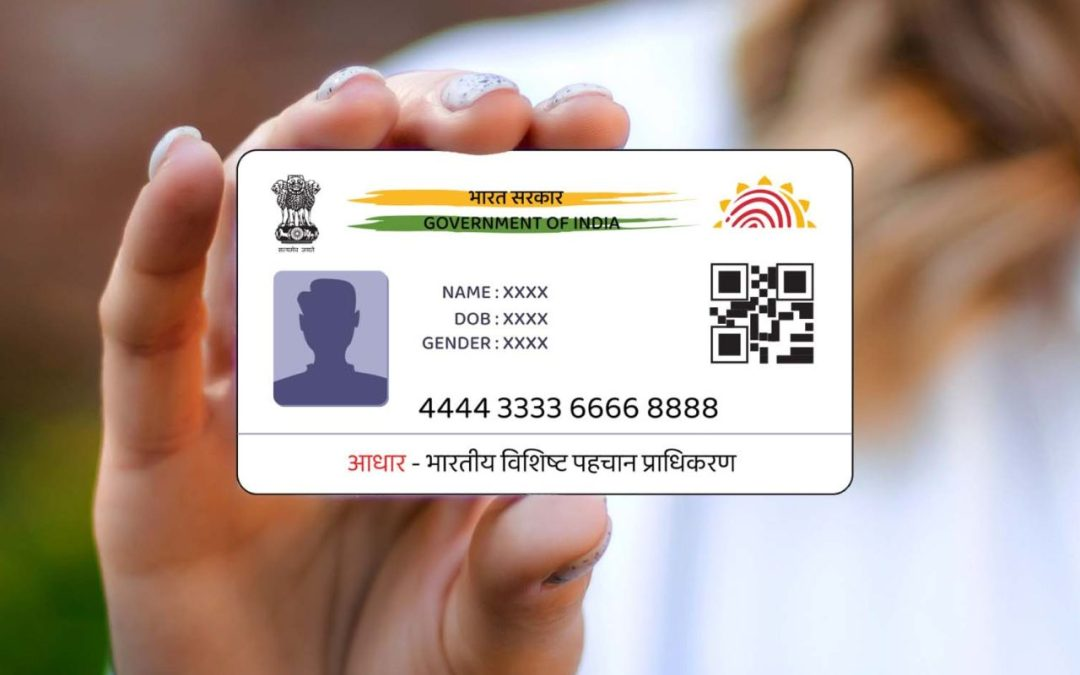
Managing identity documents in the digital age has become simpler, thanks to the integration of Aadhaar into online platforms. Aadhaar is the unique identification system issued by the Government of India and a vital document for residents. The e Aadhaar PDF serves as the digital version of your Aadhaar card, accessible from the official UIDAI (Unique Identification Authority of India) portal. However, many users often wonder how to open e Aadhaar PDF or verify its authenticity online. This guide explains the process step-by-step while also covering how to apply for a PVC Aadhaar card as an alternative option.
What is e Aadhaar?
Before delving into the verification process, it’s essential to understand what e Aadhaar entails. e Aadhaar is an electronic copy of the Aadhaar card, available in a PDF format, and is equally valid as the physical Aadhaar card. It can be used for identification purposes in various settings such as banking, government applications, or employment forms.
The PDF comes encrypted with a password for security reasons, which makes it essential for users to know how to open e Aadhaar PDF for accessing or verifying its details.
How to Open e Aadhaar PDF
Opening an e Aadhaar PDF document is a straightforward process, but it requires the proper credentials to unlock its password-protected format. Follow these steps to open the document:
Step 1: Download the e Aadhaar PDF File
- Visit the UIDAI official website.
2. Click on the “Download Aadhaar” option under the “My Aadhaar” section.
3. Enter the required details such as Aadhaar number, Enrollment ID, or Virtual ID (VID).
4. Verify the security CAPTCHA and trigger the OTP-based authentication process by entering the one-time code sent to your registered mobile number.
5. After successful verification, download the e Aadhaar PDF file.
Step 2: Understanding the Password for Your e Aadhaar PDF
The e Aadhaar PDF is encrypted with a password for security. The password format is the combination of the first four letters of your name in CAPITALS, followed by your year of birth.
Example:
Name: Rahul Sharma
Year of Birth: 1990
Password: RAHU1990
Step 3: Open the e Aadhaar PDF
Once you download the PDF file, open it using Adobe Acrobat Reader or any compatible PDF viewing tool. Enter the password as explained in Step 2. If entered correctly, you will be able to view your e Aadhaar details.
Why Verify Your e Aadhaar PDF Document?
Verification of the e Aadhaar PDF document is crucial to ensure authenticity and prevent misuse of your sensitive identity details. UIDAI provides an online verification tool to validate the document. This tool checks signatures and certifications embedded within the e Aadhaar and confirms its validity.
How to Verify Your e Aadhaar PDF Document Online
To verify your e Aadhaar document, follow these steps:
Step 1: Visit UIDAI’s Official e Aadhaar Validation Page
- Go to the UIDAI website.
2. Navigate to the “My Aadhaar” section and click on “Verify Aadhaar.”
Step 2: Upload Your e Aadhaar PDF
Locate the Aadhaar validation tool. Upload the e Aadhaar PDF downloaded earlier. Ensure the file size and format align with UIDAI’s requirements.
Step 3: Use the Signature Validation Method
The document comes embedded with a digitally signed certificate for verification.
1. Open the PDF viewer software (such as Adobe Acrobat Reader).
2. Right-click on the signature box in the e Aadhaar PDF.
3. Click on “Validate Signature” to confirm authenticity.
Step 4: Receive Validation Results
Once validated, the interface will confirm whether the document is genuine and issued by UIDAI. If verified successfully, you can safely use this version of your Aadhaar card for identification purposes.
How to Apply for PVC Aadhaar Card
While the e Aadhaar PDF is convenient for digital usage, many individuals prefer having a physical Aadhaar card in a durable format. The PVC Aadhaar card, introduced by UIDAI, is a compact and waterproof version of the Aadhaar card. It contains a digitally secure QR code and is easy to carry. If you’re wondering how to apply PVC Aadhaar card, the process is simple and can be done online through the official UIDAI website.
Here’s a step-by-step guide to applying for a PVC Aadhaar card:
Step 1: Initiate the Application
- Visit the UIDAI PVC Card Request Portal.
2. Under the “Order Aadhaar PVC Card” section, enter your Aadhaar number, Virtual ID, or Enrollment ID.
Step 2: Verify OTP
Generate OTP authentication using your registered mobile number. This step ensures that the request is authorized by the rightful Aadhaar holder.
Step 3: Pay the Nominal Fee
PVC Aadhaar card requests cost a nominal fee of ₹50 (including GST and delivery charges). Make the payment via online modes such as debit/credit cards, UPI, or Net Banking.
Advantages of PVC Aadhaar Card
- Durability: The PVC Aadhaar card is waterproof and highly durable.
2. Compact Size: Pocket-friendly format makes it easy to carry.
3. Security Enhancements: Includes QR code and holograms for secure scanning.
4. Affordable: Can be swiftly ordered online for only ₹50.
5. Ease of Replacement: Lost cards can be reordered effortlessly via the UIDAI portal.
Common Troubleshooting Tips
Problem 1: Forgot e Aadhaar PDF Password
If you forget the e Aadhaar password, simply recall the format: First four letters of your name in CAPITALS followed by the year of birth. Cross-check details entered on your Aadhaar application to verify information.
Problem 2: Issues Opening File on Mobile Phone
Ensure your smartphone has a compatible file viewer that supports password-encrypted PDFs, such as Adobe Acrobat Reader. If still encountering issues, transfer the file to a desktop for better accessibility.
Problem 3: Signature Validation Errors
Sometimes, older versions of PDF viewers fail to validate UIDAI signatures due to software incompatibility. Update your PDF viewer software to the latest version and retry the process.
Conclusion
The e Aadhaar PDF is an indispensable tool for identity verification and documentation in India, offering significant advantages such as portability and security. By learning how to open e Aadhaar PDF and verifying its authenticity online, you ensure that your document remains safeguarded against fraudulent activities. Additionally, applying for a PVC Aadhaar card is a practical step to obtain a physical, durable version of your Aadhaar ID for everyday use.
Whether you need a digital or physical Aadhaar card, UIDAI’s services make managing your identification details seamless. Familiarizing yourself with these processes ensures you stay organized and adequately equipped for identity-related requirements.
About The Author